ID Verification Screen
Learn how to configure the 'ID Verification' screen in the Guest Portal
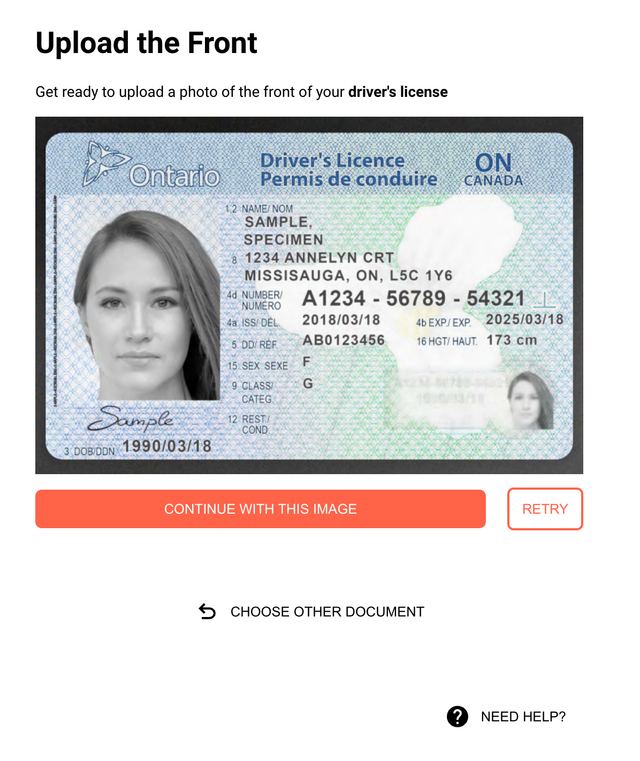
To protect you against threats of fraud, we verify the identity of every guest entering a property. To do this, we require guests to provide a photo of their government-issued ID document. We ensure the ID matches the personal information provided by the guest, and then cross reference it against our ID database to ensure it is valid.
As an added layer of security, we require the guest to submit a selfie with their ID, using face recognition technology to verify that the two photos match.
ID verification settings
To change your settings for the ID verification screen in the Guest Portal, follow this link.
UI Flow
On Mobile Devices
On Desktop/Laptop Devices
What the User Sees
Document Select
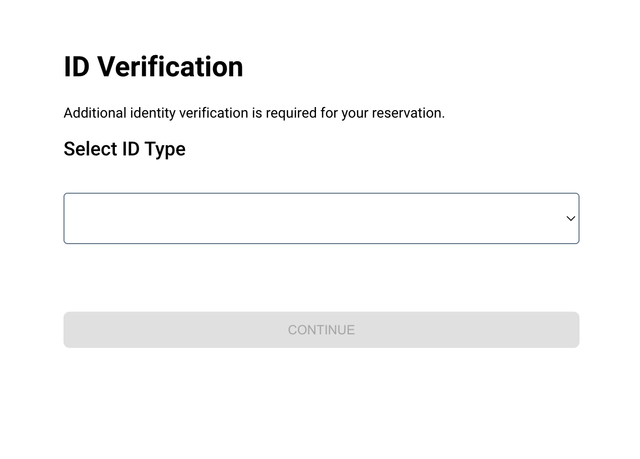
Mobile
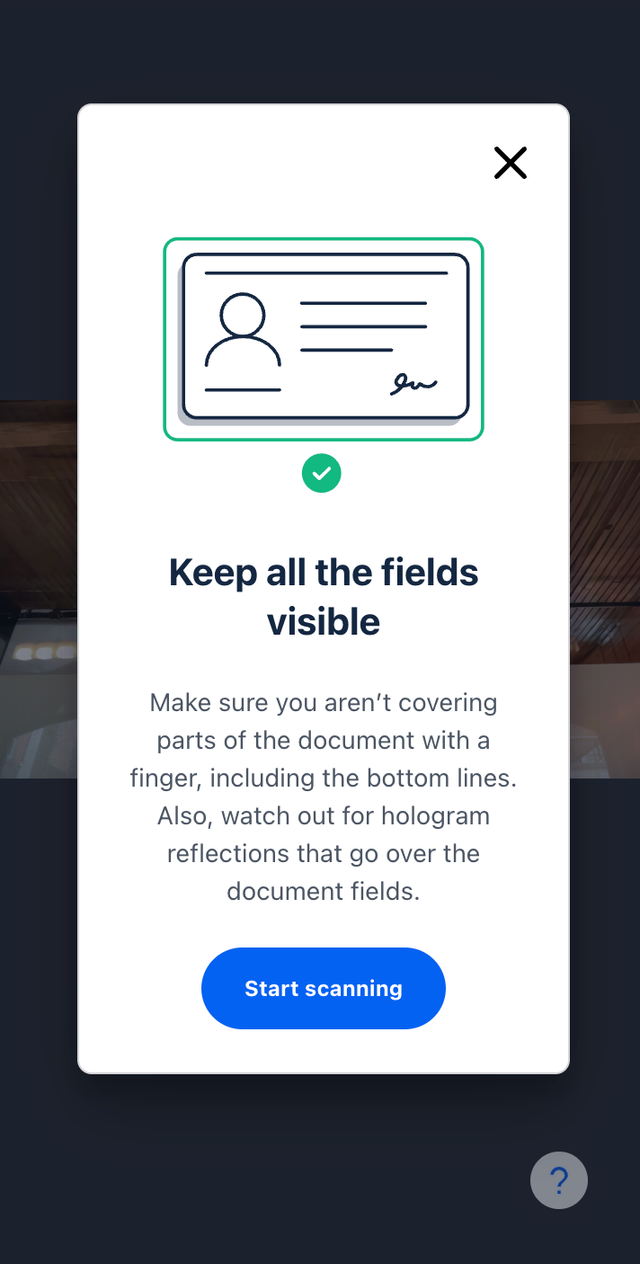
Mobile Scanner
File Upload
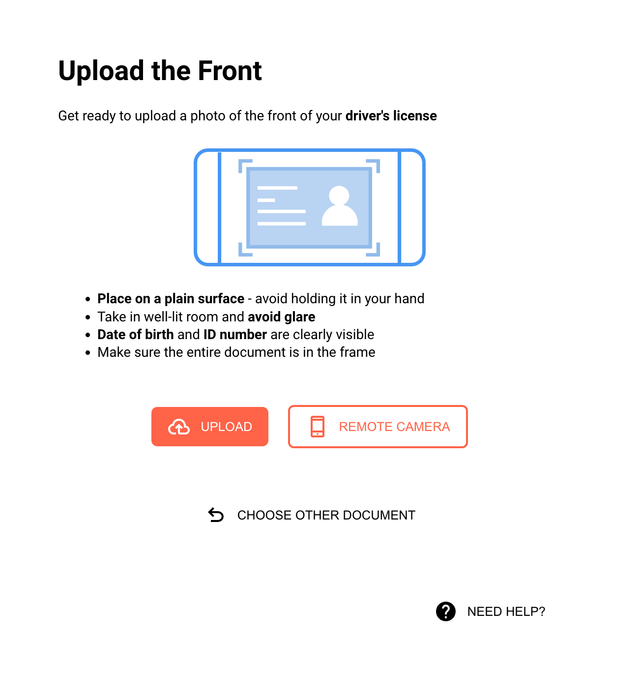
File Upload Preview
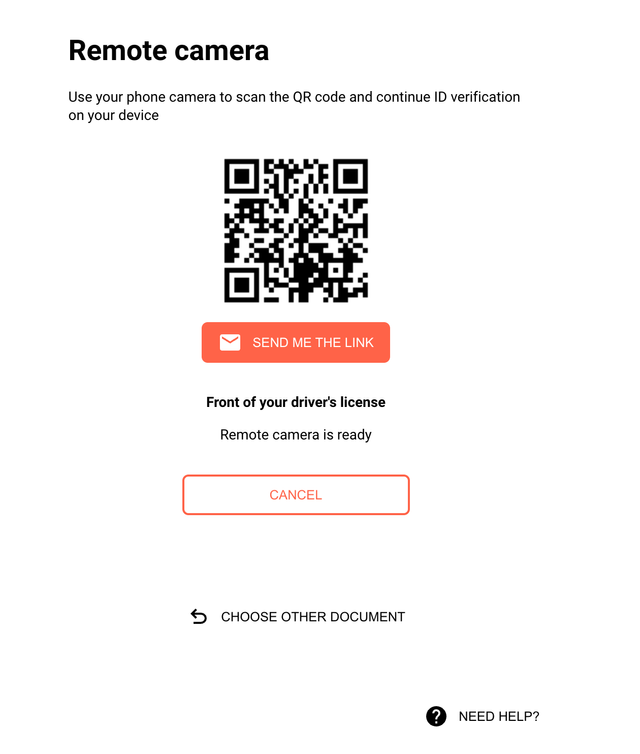
Remote Camera